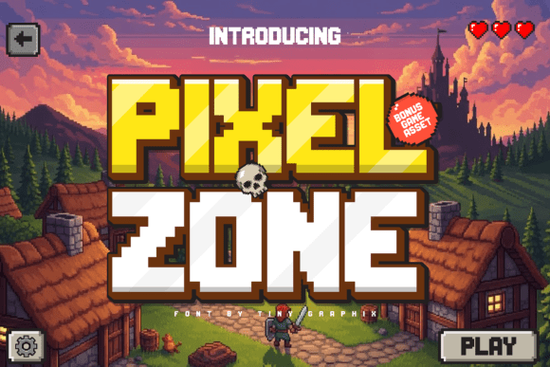
If you're working on a retro-themed project whether it’s a game, a YouTube thumbnail, or a print-on-demand design you might already know how hard it is to find a pixel font that feels authentic without sacrificing clarity. Pixel Zone Font delivers exactly that: a clean, bold 8-bit style that captures the spirit of classic arcade games while staying sharp on modern screens.
What makes Pixel Zone stand out?
Unlike many pixel fonts that look blocky or blurry at smaller sizes, Pixel Zone maintains readability across different projects. It’s built with care for both designers and developers who need reliable text in game menus, HUDs, or branding materials. The characters are well-spaced and consistent, so your titles, buttons, and labels look intentional not rushed.
Beyond just letters, this font comes with a set of bonus assets that save time and boost creativity. You’ll get pixel icons like hearts, coins, trophies, cursors, and UI buttons perfect for building full interfaces without having to design each element from scratch. These extras work especially well for indie game creators or streamers looking to build a cohesive visual identity.
Who can use Pixel Zone effectively?
- Game developers using Unity or GameMaker Studio can integrate it into menus and score displays.
- Content creators can add nostalgic flair to thumbnails and video intros.
- Print-on-demand sellers will love how it works on T-shirts, mugs, and stickers with a retro vibe.
- Crafters and hobbyists can use it in digital scrapbooking, printable art, or handmade game kits.
The font supports multiple languages and includes uppercase and lowercase letters, numbers, and common punctuation making it flexible for all kinds of text needs. Whether you’re labeling a game level or creating a retro poster, it holds up well at any size.
How do I use the extra pixel assets?
The included assets aren’t just decorative they’re functional. For example, you can use the coin icon in a score counter or the heart symbol as a health indicator in a game prototype. They’re designed in the same pixel grid as the font, so everything lines up perfectly when used together.
You can extract these elements in PNG format (transparent background) or SVG for vector editing. This means you can scale them freely without quality loss, which is helpful if you’re designing merch or web graphics.
Where can I find similar fonts?
If you liked the retro feel of Pixel Zone, you might also enjoy other display fonts with a nostalgic edge:
- Thankful Font – great for festive designs and handcrafted branding.
- The Crafty Marie Font – perfect for whimsical, artisan-style projects.
- Shiny Christmas Font – ideal for holiday-themed content.
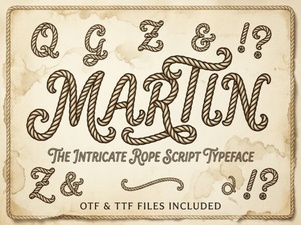
- Martin Font – clean and modern with subtle retro hints.
- Outline Friday Font – minimalist and stylish for sleek designs.
For more options in the same style, check out Pixel Zone Font directly on Creative Fabrica. It’s available in multiple formats (OTF, TTF, WOFF) and suitable for personal and commercial use.
Final thoughts: Is Pixel Zone right for your next project?
If you want a font that feels true to 8-bit gaming history but still works in today’s digital world, yes this one fits. It’s not overly flashy, doesn’t clutter your design, and gives you real value with its included assets.
Whether you’re building a simple game interface or designing a themed t-shirt, Pixel Zone helps you tell a story through typography. And since it’s easy to install and use, even beginners can get started quickly.
Next step: Download the font pack and try it in your favorite design tool. Use the bonus assets to create a mock-up of a game menu or a social media graphic. See how fast you can build something that feels authentic and polished.
Get Started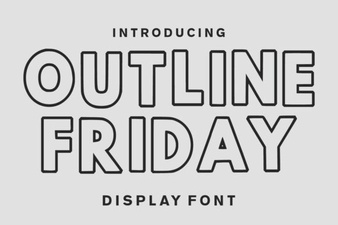 Creative Typography Ideas with Outline Friday Font
 Martin Font: Elegant Typography for Creative Projects
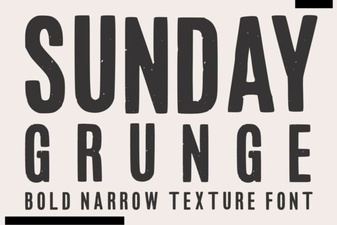 Sunday Grunge Font for Bold, Creative Design Projects
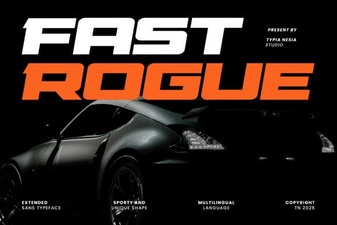 Fast Rogue Font for Bold, Modern Design Projects
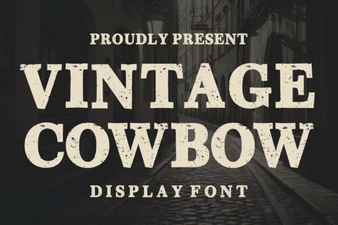 Vintage Cowboy Font for Authentic Western Design Projects
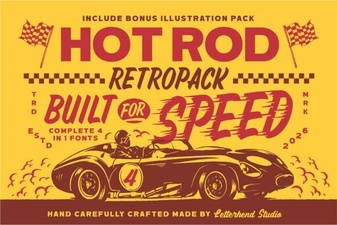 Hotrod Font: Bold Typography for High-Performance Design Projects